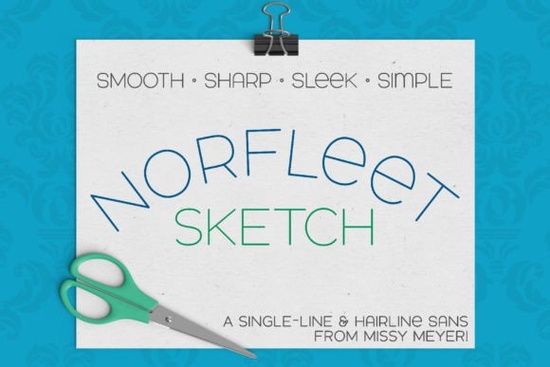
If you’re trying to decide between a single-line font and a hairline font for your next crafting project, the Norfleet Sketch (single Line) Font offers both. It’s a clean, elegant sans-serif designed specifically for use with sketch pens, foil quills, engraving tools, and other single-stroke drawing devices. Because it comes in two versions one true single-line and one hairline you can choose the format that works best with your software and machine. Let’s break down what that means for your next design.
What’s the difference between Norfleet Sketch One and Two?
The font name gives you a clue. Norfleet Sketch One is a true single-line font. Each letter is drawn from a single continuous stroke from start to finish. This format works well in advanced vector programs like Rhinoceros, Adobe Illustrator, Inkscape, and Affinity Designer. However, in most standard design programs, the start and end points of a single stroke may automatically connect. If you’re comfortable editing vectors, you can remove that connection but if that sounds like extra work, the Norfleet Sketch Two version is the simpler choice.
Norfleet Sketch Two is a hairline font. The strokes are so close together that they appear as a single thin line. This version is ready to use out of the box in popular crafting and design apps like Silhouette Studio, Cricut Design Space, Adobe Illustrator, CorelDRAW, Inkscape, and Affinity Designer. No tweaking needed just type and go.
Which software works best with each version?
- Norfleet Sketch One – Best for users comfortable with vector editing tools (Illustrator, Inkscape, Affinity Designer). Can also be used in specialty CNC programs like Rhinoceros.
- Norfleet Sketch Two – Best for crafting programs (Silhouette Studio, Cricut Design Space) and any general design software where you want a hassle-free hairline font.
Note: Due to known issues with Brother Canvas Workspace, single-line fonts may not work correctly in that program. Always test with a small project first.
How to use single-line fonts in Cricut Design Space or Silhouette Studio
Using a sketch font is different from a cut font. You need to select the “draw” or “sketch” operation instead of “cut.” In Cricut Design Space, choose the Pen/Score operation before sending the design to your machine. In Silhouette Studio, set the line to “Sketch pen” or a similar setting. The font will then draw each letter as a single line instead of an outline.
For best results, use a fine-tip pen or foil quill. The hairline version (Two) works especially well for foil because it creates a clean, narrow line.
Other clean sans-serif fonts you might like
If you enjoy the minimalist style of Norfleet Sketch, you’ll find plenty of other versatile sans-serif fonts on Creative Fabrica. For instance, the Sunflower font offers a playful yet simple look, while Adventure brings a bold, modern feel. If you prefer duo fonts with matching scripts, Bright Darling pairs nicely with a sans-serif. For a more sophisticated vintage vibe, Bourgueil is worth browsing. And of course, you can find Norfleet Sketch itself in the same category if you want to explore its details further.
Quick checklist for choosing the right version
- Are you using it in Cricut Design Space, Silhouette Studio, or a similar crafting program? → Choose Norfleet Sketch Two (hairline).
- Are you comfortable editing vector paths in Illustrator or Inkscape? → Choose Norfleet Sketch One (true single-line).
- Do you need to use it with a foil quill or engraving tool? → Hairline version works best for most foiling projects.
- Unsure? → Start with the Two version it’s the safer bet for instant results.
The PDF guide included with your download explains which software supports each version and gives specific tips. If you haven’t used a single-line font before, Norfleet Sketch is a great place to start it’s simple, sharp, and easy to pair with other fonts. Try a test design with both versions to see which gives you the cleanest result for your machine.
Learn More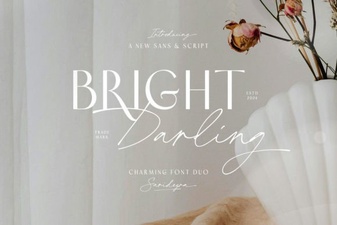 Bright Darling Duo: Your Creative Design Pair
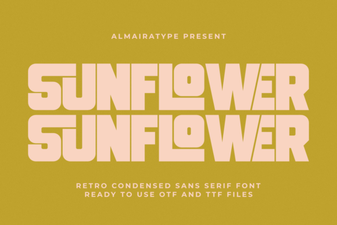 Sunflower Font: Design Projects & Creative Uses
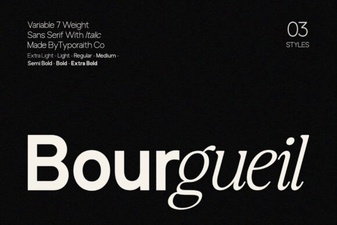 The Bourgueil Font for Elegant and Legible Typography
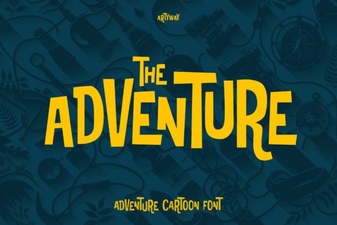 Adventure Fonts for Engaging Design Projects
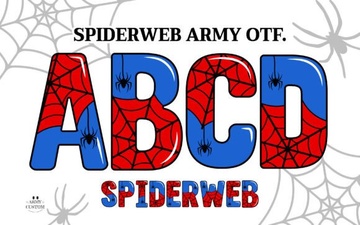 Designing with Spiderweb Army Font for Projects
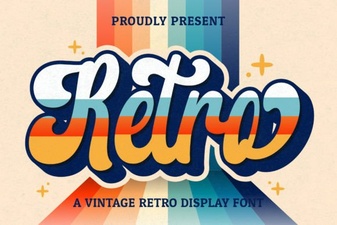 Retro Script Fonts for Modern & Creative Design Projects