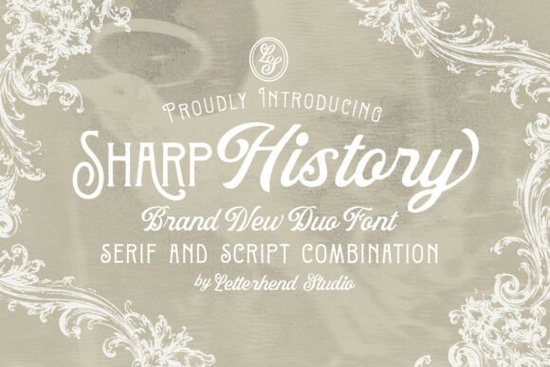
If you work on wedding invitations, product packaging, or small business branding, you know the struggle of finding a serif and script pair that actually look good together. You might pick a decorative serif that feels too heavy, or a script that’s too casual. That’s where Sharp History Font comes in. It’s a pre-matched vintage duo designed to take the guesswork out of pairing fonts.
Who is the Sharp History Font duo actually for?
Honestly, this duo works well for a pretty wide range of projects, but it fits best if you’re working on something that calls for a blend of classic structure and personal flow. Here are a few examples:
- Wedding and event stationery designers who need elegant place cards, save-the-dates, and invitations that feel cohesive but not boring.
- Print-on-demand sellers creating vintage-style t-shirts, mugs, or wall art where the text needs to stand out.
- Small business owners looking to update their logo or brand kit with a look that feels established and trustworthy.
- Hobbyists and crafters making greeting cards or personalized gifts for special occasions.
If you need a strong editorial look for body text, fonts like Medvilea Editorial are a solid choice. But Sharp History is designed more for headlines and featured elements where you want that vintage charm to stand out.
How do the serif and script styles actually work together?
A lot of font duos feel like two totally different designs crammed together. The Sharp History pair avoids this because both styles share a similar vintage DNA. The decorative serif has subtle ornamental details that give it character without screaming for attention. It pairs naturally with the script, which has a smooth, flowing stroke that feels handwritten but refined.
Practical ways to use them together:
- Logos: Use the serif for your main business name and the script for your tagline or “est. 2024” stamp.
- Invitations: Set the event details in the serif for readability, and use the script for the couple’s names or the main quote.
- Packaging: The serif works great for product names on the front label, while the script can add a personal touch to the back or side panel.
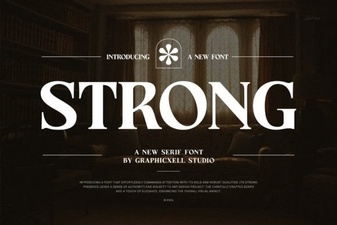
If you prefer a bolder, more modern serif alone, you might want to check out Strong Font. But for pairing, this duo keeps a consistent vintage mood.
Can this font help my print-on-demand or branding look more professional?
Definitely, especially if you’re starting out and don’t have a big budget for a custom typeface. A pre-made duo like Sharp History gives you a professional foundation because the spacing, weight, and mood have already been balanced by the designer. This means less time tweaking and more time creating mockups.
What to watch out for:
- Readability: The script is elegant, so avoid setting long paragraphs in it. Keep it for short names or quotes.
- Licensing: Always double-check the commercial license on Creative Fabrica, especially for POD items you plan to sell in large quantities.
Tip: If you are designing for a vintage coffee shop or boutique, this pair instantly sets the right tone.
What’s the best way to start using Sharp History?
Getting started is simple: download the font files and install them. Because it’s a duo, you get the most value when you use both styles in the same project. Try using the serif for your main headline and the script as an accent. The script part, sometimes listed as Sharp History Script, brings that personal, handwritten feel. You can also experiment with letter spacing on the script to give it a more airy, modern vintage look.
For a quick start, this duo is directly available on Creative Fabrica, which also offers a huge library of graphics and templates. If you want to understand more about how font pairing works in general, reading up on typography basics can also help you make better design choices.
Before you download, a quick checklist:
- Check the license for commercial use (especially for Print-on-Demand).
- Download the OTF or TTF files and install them on your computer.
- Test the duo in your design software try the serif for headlines and the script for names or taglines.
- See if the style matches your current project’s needs, like wedding invites or vintage packaging.
If it fits, the Sharp History duo can save you the headache of mismatched fonts and help you get a polished result faster. Give it a try on a simple poster or save-the-date card first to see how the two styles complement each other.
Download Now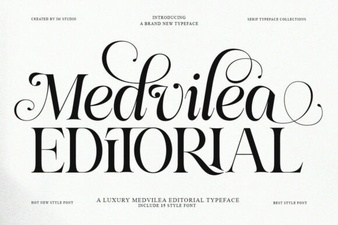 Medvilea Font: Editorial Design & Creative Projects
 Choosing a Strong Font for Your Design Projects
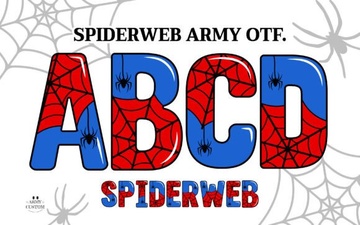 Designing with Spiderweb Army Font for Projects
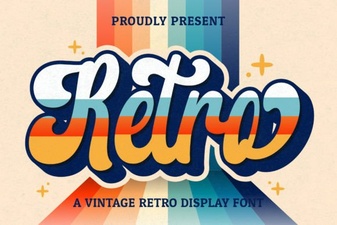 Retro Script Fonts for Modern & Creative Design Projects
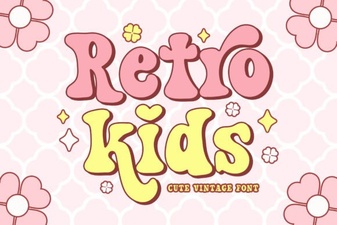 Retro Fonts for Creative Kids Projects
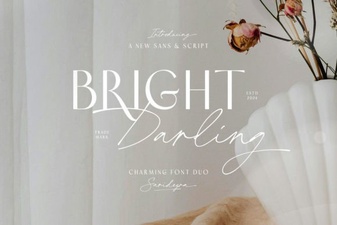 Bright Darling Duo: Your Creative Design Pair